9 Proven Ways to Automate Custom Brand Aligned Images for Every Blog Post
Discover 9 ways to automate brand aligned images for your blog in 2026. Reduce design costs and boost engagement with AI workflows and custom graphic systems.
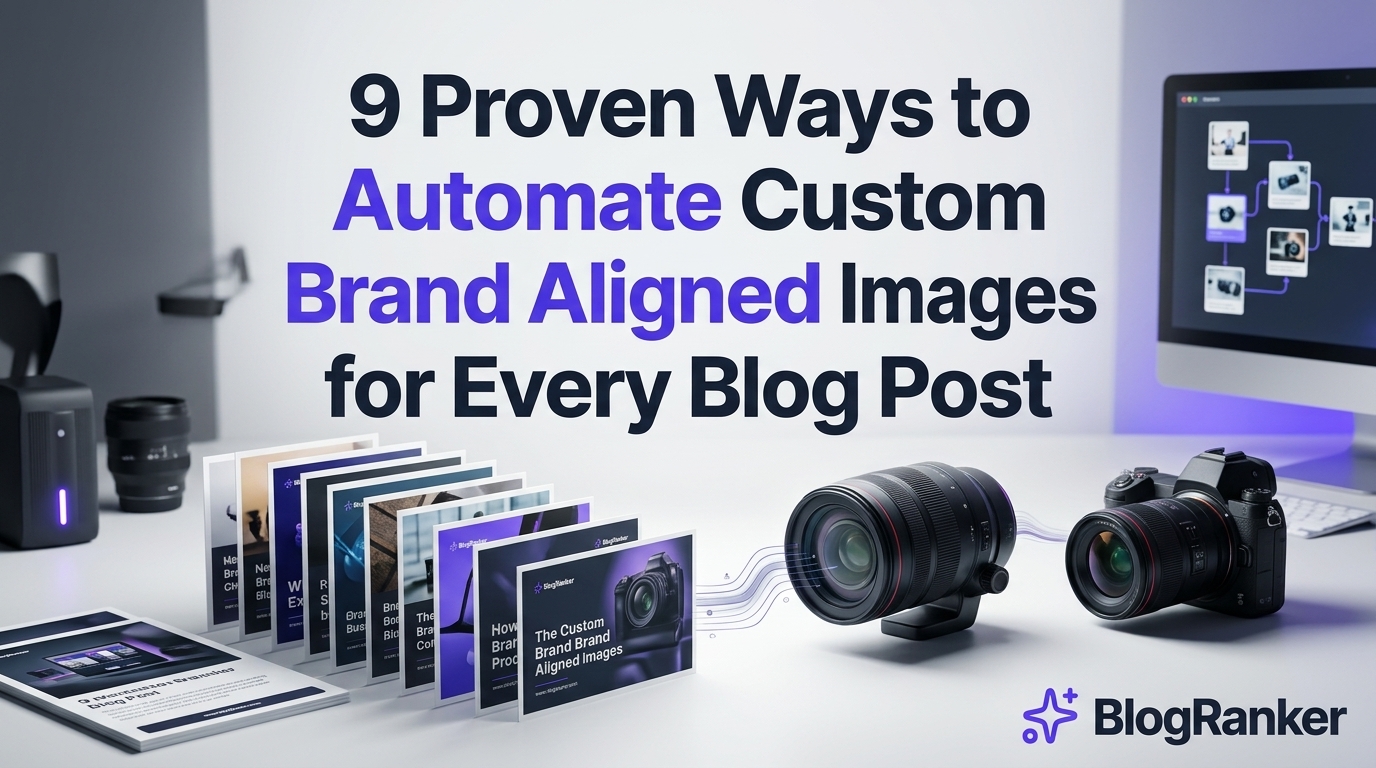
Stop relying on the same generic stock photos that every other competitor uses. In the high-speed search environment of 2026, visual uniqueness is a primary ranking factor for both traditional search and AI overviews. This guide shows you exactly how to build an automated system that produces custom, brand-focused visuals for every article without hiring a full-time designer.
Generic imagery signals to readers and search algorithms that your content is low effort. When your brand colors, fonts, and specific stylistic choices appear consistently across all media, your click-through rates climb and your domain authority strengthens. We will walk through the specific tools and workflows required to make this a reality for your site today.
How to Clean a Compact Stroller Frame and Fabric to Keep It Looking New
Table of Contents
- 1. Stable Diffusion with ControlNet for Consistent Character Poses
- 2. Midjourney Style References for Color Palette Locking
- 3. Canva Magic Studio Automations with Bulk Create
- 4. Zapier and DALL-E 3 API for Hands-Off Graphics
- 5. Custom Trained LoRA Models for Unique Brand Assets
- 6. Automated Vector UI Generation for SaaS Blog Posts
- 7. Batch Infographic Creation using Claude and Adobe Firefly
- 8. Dynamic Open Graph Image Automation via BannerBear
- 9. Real-Time Image Personalization for GAIO and GEO
- Tool Comparison Table
- Frequently Asked Questions
1. Stable Diffusion with ControlNet for Consistent Character Poses
Stable Diffusion remains a powerhouse for creators who want total control over their visual output. By 2026, the integration of ControlNet has become the standard for brands that use a specific mascot or consistent human figures in their blog posts. ControlNet allows you to feed a specific pose or skeletal structure into the AI, ensuring that your characters look natural and consistent across different blog posts.
This technology prevents the "shuffling face" problem where a character looks different in every image. For a SaaS founder, this means you can have a "guide" character who appears in every tutorial, wearing your brand colors and maintaining the same facial features. You simply provide the pose, and the AI handles the rendering in your specific art style.
Why Brand Aligned Blog Images Increase User Engagement and Search Authority
To implement this, you can set up a local instance of Automatic1111 or use a cloud provider like RunPod. By locking in your seed numbers and using specific LoRA weights, you create a visual signature that is impossible for competitors to replicate with basic prompt engineering. This level of customization ensures that your visuals are as unique as your written content.
2. Midjourney Style References for Color Palette Locking
Midjourney has introduced a "Style Reference" feature that has changed the way agencies handle bulk image generation. By using the --sref command followed by a URL of your brand's mood board, you can force the AI to adopt specific color hex codes and lighting styles. This is a massive time saver for SEO agencies managing dozens of clients with distinct brand identities.
Instead of writing complex prompts describing colors, you simply point the AI to your existing brand assets. The result is a series of images that look like they were all shot by the same photographer or drawn by the same illustrator. This consistency builds trust with your audience, as they begin to recognize your content purely through its visual aesthetic.
How To Use Google Gemini AI For Writing High Converting Facebook Ad Copy
Below is an example of a prompt structure that uses style references to maintain brand integrity:
prompt [Subject description] --ar 16:9 --sref https://yourbrand.com/style-guide.jpg --sw 1000 --v 7
Using the --sw 1000 parameter ensures the style weight is at its maximum, forcing the AI to strictly adhere to your brand colors rather than taking creative liberties. This prevents the neon-saturated "AI look" that often plagues unmanaged generations.
3. Canva Magic Studio Automations with Bulk Create
Canva has evolved into more than just a drag-and-drop editor; its Magic Studio now offers deep API integrations for automated content production. For small business owners, the "Bulk Create" feature combined with brand kits is the fastest way to generate 50+ blog headers in minutes. You can upload a CSV file containing your blog titles and descriptions, and Canva will automatically populate them into your pre-designed templates.
This method is particularly effective for listicles and
KEEP READING
Discover more insights and strategies


Scale your traffic today.
Stop wasting hours writing manually. Let BlogRanker generate and publish high-ranking content for you on autopilot.
Try BlogRanker Free