How to Sync AI Generated Content Directly to Your WordPress Site Automatically
Learn how to automate your SEO workflow by syncing AI generated content to WordPress using webhooks. Scale your content production and increase domain authority in 2026.
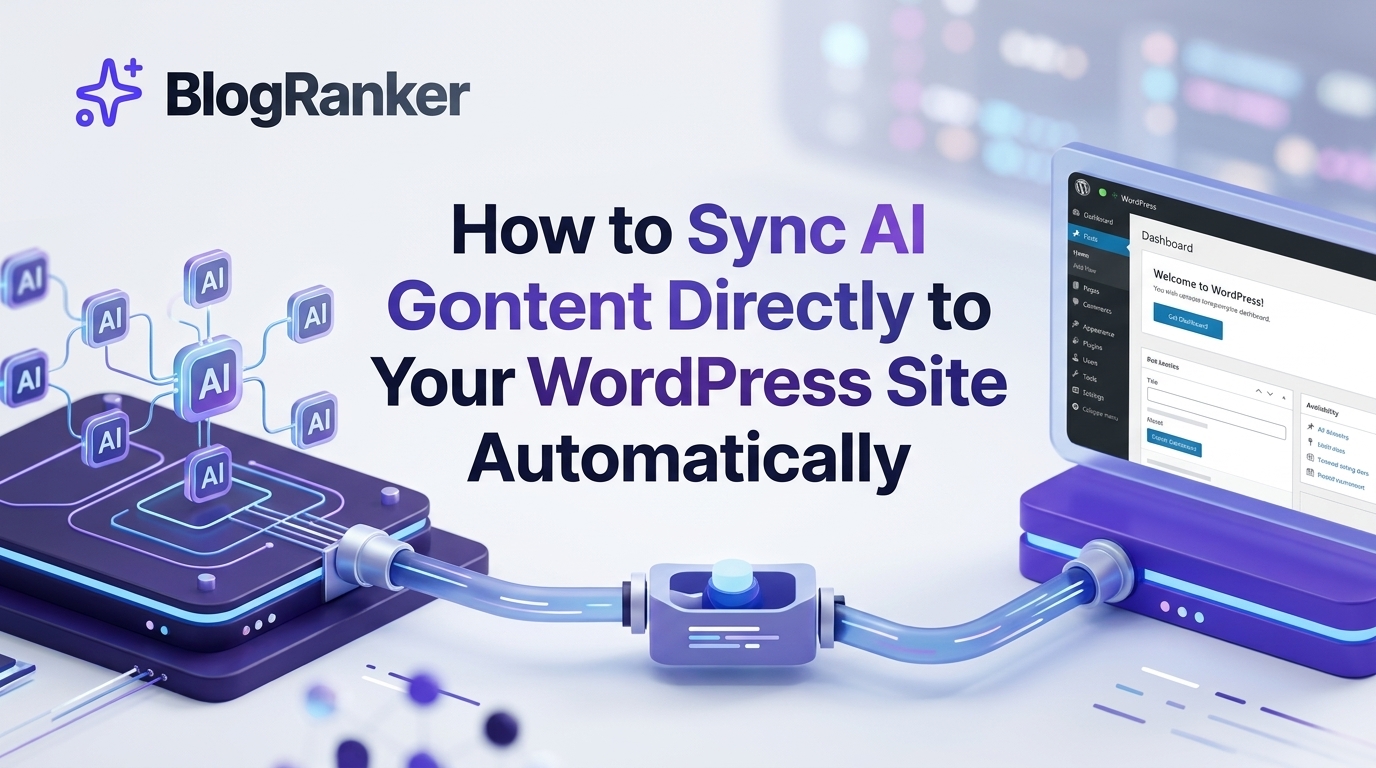
Copying and pasting text from an AI dashboard into your WordPress editor is a repetitive task that stalls growth. This manual process creates a bottleneck for founders and SEO agencies aiming to scale their organic reach. By establishing an automated sync, you can move content from generation to publication instantly, ensuring your site remains active without constant manual intervention.
In this guide, you will find the exact steps to connect your AI content streams to WordPress using webhooks and automation platforms. We will cover the technical requirements, field mapping, and quality control measures needed to maintain a high-ranking site in the 2026 search environment.
Table of Contents
- The Cost of Manual Content Management
- Understanding How Webhooks Work with WordPress
- Step by Step Guide to Connecting Your AI Stream
- Comparison of Content Publishing Methods
- Quality Control and AI Content Guardrails
- Optimizing for Generative AI Search and GAIO
- Frequently Asked Questions
The Cost of Manual Content Management
Many SaaS entrepreneurs and agency owners start by generating content in ChatGPT or Claude and manually formatting it in the WordPress Gutenberg editor. While this works for one or two posts a week, it becomes impossible when you need to publish dozens of pages to dominate a niche. The time spent on formatting, uploading images, and setting meta descriptions is time taken away from high-level strategy and product development.
Manual workflows often lead to human error, such as broken links or missing tags. For those looking to move faster, choosing AI SEO Automation Vs Manual Writing Tools For Scaling Search Engine Traffic is the first step toward building a sustainable growth engine. Automation allows you to focus on the output rather than the mechanics of the CMS.
Just as specialized industries use niche prompts to get specific results, such as these 11 Unique AI Prompts For Dementia Care Assistants To Support Elderly Patients, your WordPress automation needs specific data triggers to function correctly.
When you remove the manual upload phase, you increase your publishing velocity. In 2026, the volume of high-quality indexed pages is a major factor in how search engines perceive topical authority. If you are not publishing daily, you are likely falling behind competitors who have already automated their entire pipeline.
Understanding How Webhooks Work with WordPress
A webhook is a simple way for one application to provide other applications with real-time information. Unlike an API where you have to constantly ask for data, a webhook sends data immediately when an event occurs. For content automation, the "event" is the completion of an AI-generated article, and the "destination" is your WordPress REST API endpoint.
Setting up a webhook means creating a digital bridge. When your AI engine finishes a post, it packages the HTML, the title, the featured image URL, and the meta data into a JSON packet. This packet is pushed to WordPress, where a listener receives it and creates a new post in "Draft" or "Published" status.
Implementing these connections is a core part of learning How to Automate WordPress SEO Content Without Hiring Expensive Freelancers. It bypasses the need for a developer to write custom code for every new content type you want to introduce.
This technology is not just for text. High-end automation setups can also pull in visual elements. For example, if you are using image generation models, you might utilize 15+ Grok Prompts For Artistic Portrait Enhancements And Facial Detail Editing to create unique featured images that are sent via the same webhook to your media library.
Step by Step Guide to Connecting Your AI Stream
To begin the automation process, you need three components: an AI content generator (like BlogRanker), an automation middleware (like Zapier, Make, or a native integration), and a WordPress site with REST API access enabled. Most modern WordPress installations have the REST API active by default, but you may need an Application Password for secure authentication.
First, configure your AI tool to output data in a structured format. This usually involves defining fields for the post title, body content, excerpt, and categories. If your AI tool supports webhooks directly, you can skip the middleware and send the data straight to a WordPress plugin designed to receive incoming hooks.
For those comparing different approaches to growth, the choice between Manual SEO Versus Automated Content Engines for Scaling Organic Traffic often comes down to how much technical debt you want to manage. Automated engines handle the webhook handshake for you, reducing the risk of connection failures.
Second, in your automation middleware, create a new "Scenario" or "Zap." Set the trigger to "Webhook" and copy the URL provided. Paste this URL into your AI tool's delivery settings. When the AI tool finishes a task, it will send a test payload to this URL, allowing the middleware to see the structure of your data.
Third, add a WordPress action to your automation. Map the data fields from the AI tool to the corresponding fields in WordPress. For instance, map "AI_Output_HTML" to "Post Content" and "Target_Keyword" to "Tags." Ensure you set the status to "Pending" or "Draft" initially so you can review the formatting before it goes live.
Finally, test the connection. Generate a short sample post and watch as it appears in your WordPress dashboard within seconds. Once confirmed, you can toggle the automation to "Live." This setup creates a hands-free environment where your site grows even while you are asleep.
Comparison of Content Publishing Methods
| Feature | Manual Publishing | Webhook Automation | AI Content Engine (e.g. BlogRanker) |
|---|---|---|---|
| Setup Time | 0 Minutes | 2-4 Hours | 5 Minutes |
| Publishing Speed | Slow (30-60 mins/post) | Instant | Instant |
| Consistency | Low (Depends on mood/time) | High | Absolute |
| Technical Skill | None | Intermediate | Low |
| Scalability | Non-existent | High | Infinite |
| Cost | High (Labor/Time) | Medium (Subscription fees) | Low (All-in-one efficiency) |
Quality Control and AI Content Guardrails
Automation does not mean you should ignore quality. In 2026, search engines are highly sophisticated at detecting low-effort spam. Your automated system must include guardrails to ensure the output is helpful, accurate, and properly formatted. This involves setting strict parameters in your AI prompts to avoid hallucinations and repetitive language.
One effective method is to use a secondary AI pass for fact-checking or tone adjustment before the content hits the webhook. You can also automate the insertion of internal links to boost your site's structure. Understanding Why Internal Linking Automation Is The Key To Higher Search Engine Ranks will help you build a more authoritative domain that search engines trust.
If you are using LLMs to generate these posts, you should use a structured prompt that defines the persona and the technical constraints. Below is an example of a prompt used to ensure the AI creates web-ready HTML that maps perfectly to WordPress blocks.
By including these instructions in your automation flow, the content that arrives in WordPress requires minimal editing. You can also set up your middleware to filter out posts that fall below a certain word count or fail to include specific keywords, ensuring only your best work reaches the public.
Optimizing for Generative AI Search and GAIO
In 2026, ranking on page one of Google is only half the battle. You also need your content to be the primary source for AI Overviews and LLM responses. This field, known as Generative AI Optimization (GAIO), requires a different approach to content structure. Automated content must be highly scannable and contain clear, direct answers to common questions.
When your content is synced automatically, make sure it includes Schema markup. Schema helps AI models understand the context of your data, making it more likely that your brand will be recommended by tools like ChatGPT or Gemini. Using 7 Methods to Get Your Business Recommended by Claude and ChatGPT within your content templates is a vital strategy for long-term visibility.
Furthermore, ensure your automated posts use LSI (Latent Semantic Indexing) keywords. These are conceptually related terms that help AI understand the depth of your article. If you are unsure what these are, look at What Are LSI Keywords That Help With SEO And AI Engine Optimization? to refine your prompt library.
Lastly, monitor your results using automated SEO audits. When you are publishing at scale, you need to know which automated posts are gaining traction and which need adjustment. This data-driven approach allows you to iterate on your prompts and automation logic, constantly improving the ROI of your AI content stream.
Frequently Asked Questions
How do I prevent my WordPress site from being overwhelmed by too many posts? You can set rate limits in your automation middleware (like Make or Zapier) to ensure posts are staggered, such as one post every four hours, to maintain a natural publishing cadence.
Do I need to know how to code to use webhooks with WordPress? No, you can use plugins like "WP Webhooks" or "Uncanny Automator" which provide a user-friendly interface to manage incoming data without writing PHP or JavaScript.
Can I automate the featured image along with the article text? Yes, by sending an image URL through the webhook, WordPress can automatically sideload the image into your media library and set it as the featured image for that specific post.
Is automated AI content safe from Google penalties in 2026? Google prioritizes helpful, original content regardless of how it is created; as long as your automated stream provides value and avoids mass-produced spam, it will rank effectively.
What happens if the webhook connection fails? Most automation platforms have a "retry" logic or an error log that allows you to see failed transmissions and re-send the data once the connection issue is resolved.
Establishing an automated sync between your AI content generation and your WordPress site is no longer a luxury—it is a necessity for anyone serious about SEO at scale. By removing the manual friction of publishing, you allow your brand to occupy more digital real estate and respond to market trends in real-time. Start by connecting a single stream today and watch your organic traffic grow as your publishing volume increases.
Ready to stop wasting time on manual uploads and start dominating the search results?
Try BlogRanker today and automate your entire SEO content pipeline in minutes.
This awesome blog post is created using BlogRanker , the best AI tool to create SEO optimized blog posts on auto pilot without lifting your finger.
KEEP READING
Discover more insights and strategies


Scale your traffic today.
Stop wasting hours writing manually. Let BlogRanker generate and publish high-ranking content for you on autopilot.
Try BlogRanker Free